





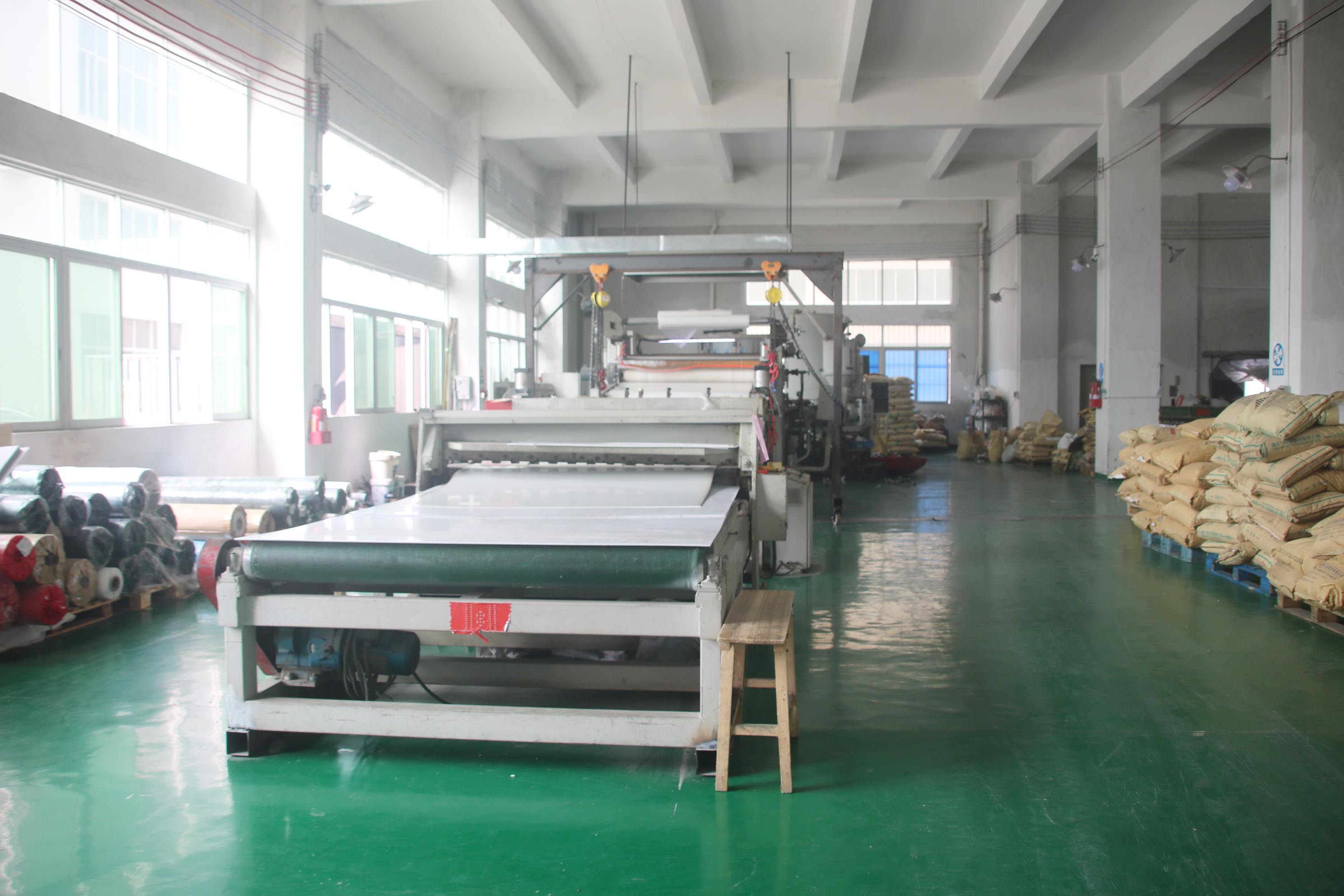
Mastering Laser Cutting: A Comprehensive Guide to Precision and Efficiency
Understanding Laser Cutting Technology
Laser cutting is a subtractive manufacturing process that uses a high-power laser beam to cut, engrave, or mark materials. The laser is typically directed through optics and a computer numerical control (CNC) system to follow a design pattern. The key components include the laser resonator, focusing optics, assist gas system, and motion control. CO2 lasers are ideal for non-metal materials like wood, acrylic, and paper, while fiber lasers excel with metals such as steel and aluminum. Understanding the capabilities and limitations of each type is crucial for selecting the right equipment for your projects.
Key Parameters for Optimal Laser Cutting
To achieve clean cuts without burn marks or excessive kerf, you must balance several parameters. Laser power determines the cutting depth and speed; higher power allows faster cuts but may cause charring. Cutting speed affects heat concentration—too slow leads to melt, too fast results in incomplete cuts. Focus position is critical: a focused beam gives narrow kerf, while defocusing can help with thicker materials. Assist gas (e.g., oxygen for metals, nitrogen for stainless steel) blows away molten material and prevents oxidation. Always perform test cuts on scrap material to dial in the perfect settings.
Material Selection and Preparation
Not all materials are suitable for laser cutting. Acrylic cuts beautifully with a polished edge, while polycarbonate tends to discolor. Wood requires careful power control to avoid scorching. For metals, fiber lasers are preferred, but reflective metals like copper and brass can damage the laser. Always ensure materials are flat, clean, and free of coatings or adhesives that produce toxic fumes. Engraving works well on coated metals, glass, and stone, but requires lower power and multiple passes for depth.
Design and File Preparation
Successful laser cutting starts with precise design files. Use vector graphics software like Adobe Illustrator or Inkscape to create paths with consistent line thickness (typically 0.001-0.003 inches). Ensure all lines are closed and properly layered for cutting vs. engraving. Kerf compensation is essential for interlocking parts: add 0.1-0.2mm offset to account for material removed. Export your design as DXF, AI, or SVG for compatibility. Always test-fit complex assemblies before final production.
Safety Practices and Maintenance
Laser cutters pose fire and fume hazards. Never leave the machine unattended during operation. Install proper ventilation or an external exhaust system to remove fumes. Wear laser safety goggles appropriate for the wavelength (e.g., 10.6 µm for CO2). Keep a fire extinguisher nearby and use a firewatch for materials like wood. Regularly clean the lens, mirrors, and rails to maintain beam quality. Align the optics periodically to prevent power loss and uneven cuts.
Common Applications and Industries
Laser cutting is used in prototyping, manufacturing, signage, jewelry, architecture, and education. It enables rapid iteration of custom designs, from intricate metal gears to personalized gifts. In the medical field, it cuts stents and surgical tools with high accuracy. The automotive industry uses laser cutting for body panels and interior components. Its non-contact nature eliminates tool wear, making it cost-effective for both low-volume and mass production.
Troubleshooting Common Issues
Burn marks often result from excessive power or slow speed; try increasing speed or using a lower power. Incomplete cuts may require higher power, slower speed, or multiple passes. Charring on wood can be minimized by applying masking tape or using compressed air to cool the area. Dross (melted residue) on metal indicates poor gas flow or too high pressure. Adjust the focus or reduce gas flow. Always document your successful settings for future reference.
Frequently Asked Questions
1. Can laser cut acrylic without melting the edges?Yes, with proper settings: use low power, high speed, and a sharp focus. For flame-polished edges, use a slower speed and higher power with compressed air.
2. What is the maximum thickness a laser cutter can handle?It depends on laser power and material. CO2 lasers typically cut up to 1/4 inch (6 mm) of mild steel, while fiber lasers can handle up to 1/2 inch (12 mm). Non-metals like wood can go thicker with multiple passes.
3. How do I prevent fire when cutting wood?Use lower power, increase speed, and ensure good airflow. Keep a damp cloth or fire extinguisher nearby, and never leave the machine running unattended.
4. Why is my laser cutting line too wide (kerf)?This is often due to a misaligned focus or worn lens. Recalibrate your focus and clean/replace the lens. Also, check if the design file has stroke widths set too thick.
5. Can I cut glass with a laser cutter?Yes, but only for engraving, not clean cutting. Glass can crack due to thermal shock. Use low power and fine passes for etching.